Learn Genius, one playbook at a time
Step-by-step walkthroughs for running your store on Genius. Each one pairs short instructions with the real Portal and POS screens from the Genius Help Center. Choose a guide to begin.
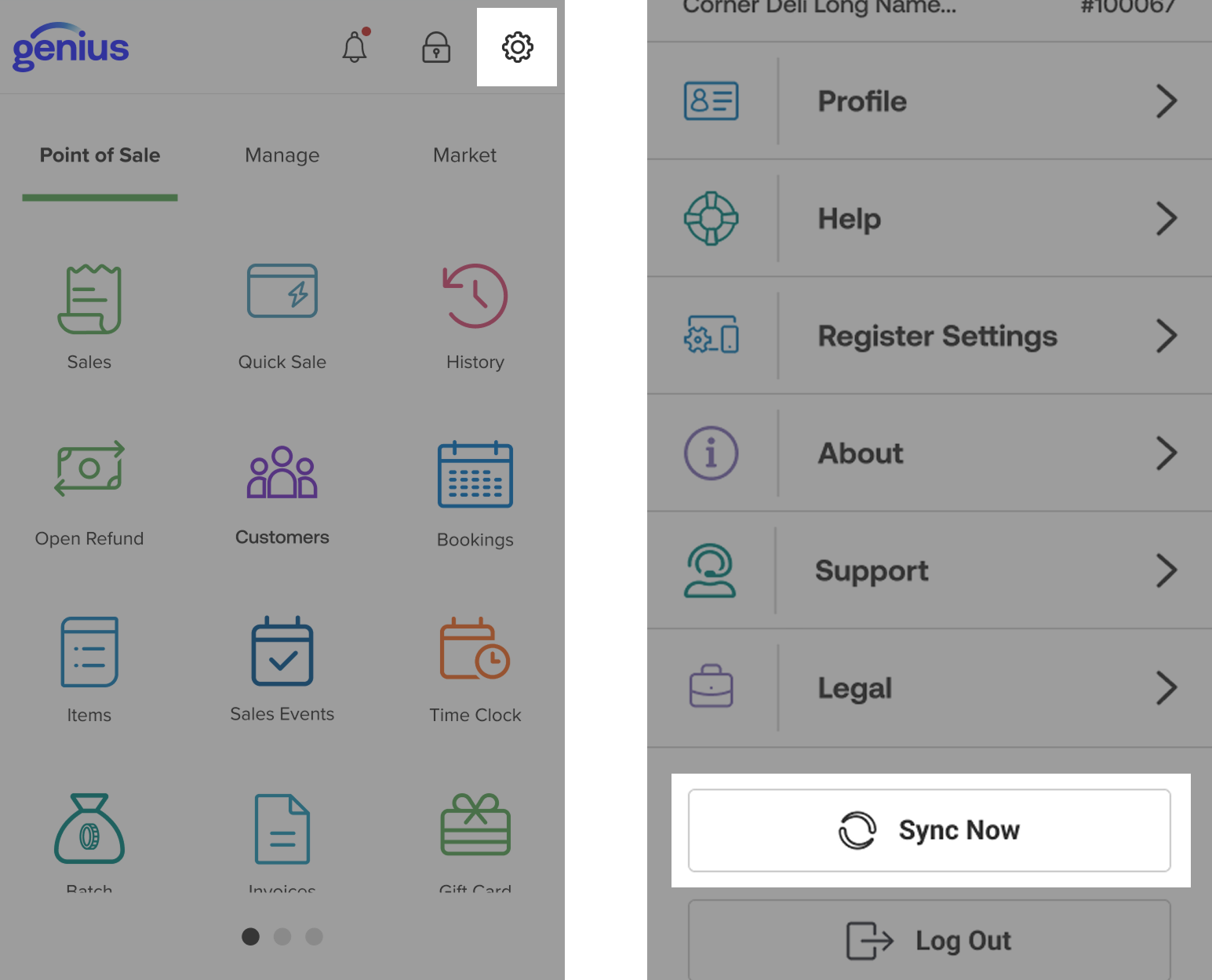
Everything about the handheld
From opening the box to daily use: set up, sell, lock, look up orders and keep it in sync.
- Unbox and charge
- Wi-Fi and login
- Home Screen
- Ring up
- Take payment
- Receipts
- Lock and switch users
- History and refunds
- Quarantine
- Sync and settings

Manage your inventory
Go from an empty Item Library to tracked stock, barcodes, vendors and reorder alerts.
- Item Library
- Add and import items
- Quantity tracking
- Counts and deliveries
- Barcodes
- Packaging
- Vendors
- Prices
- Reports
- Sync
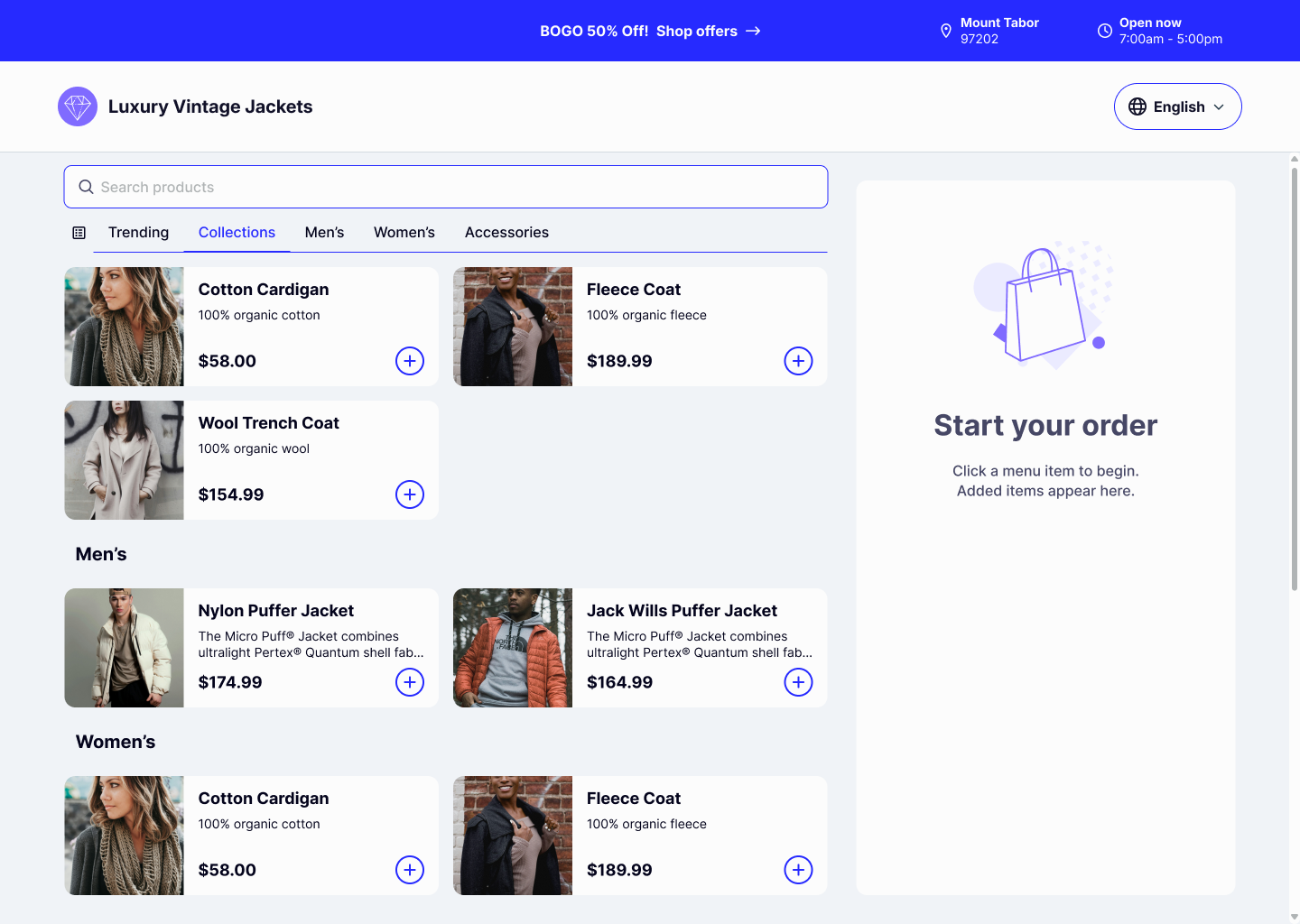
Run online store pickup
Turn on Order Ahead, set up your online store and handle each pickup order from alert to handover.
- Turn on Order Ahead
- Store setup
- Items online
- Product photos
- Customer checkout
- Accept orders
- Prepare and complete
- Portal reports
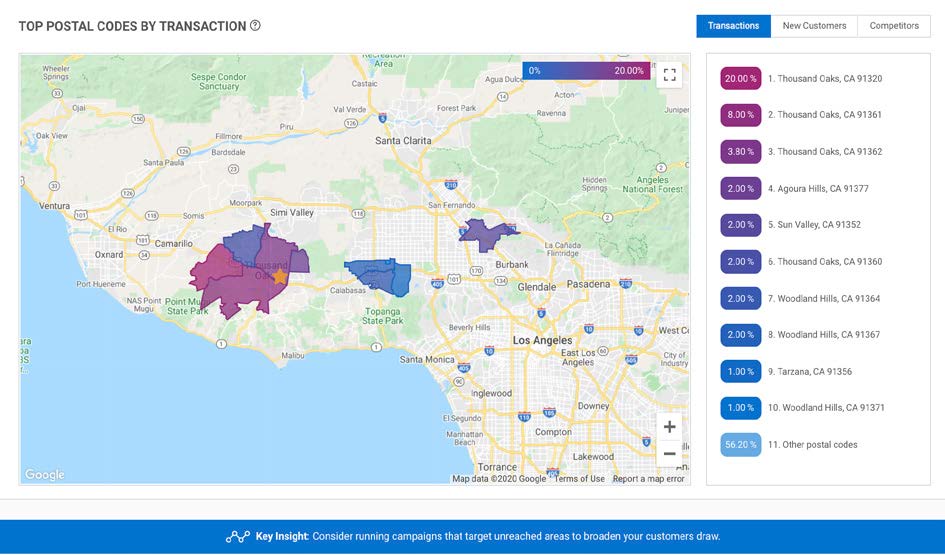
Know who your customers are
Use Customer Demographics to see what customers spend, where they live and who they are.
- Customer Wallet
- Average ticket
- Postal codes
- Age, income and more
- By month
- Largest segments
- Compare locations
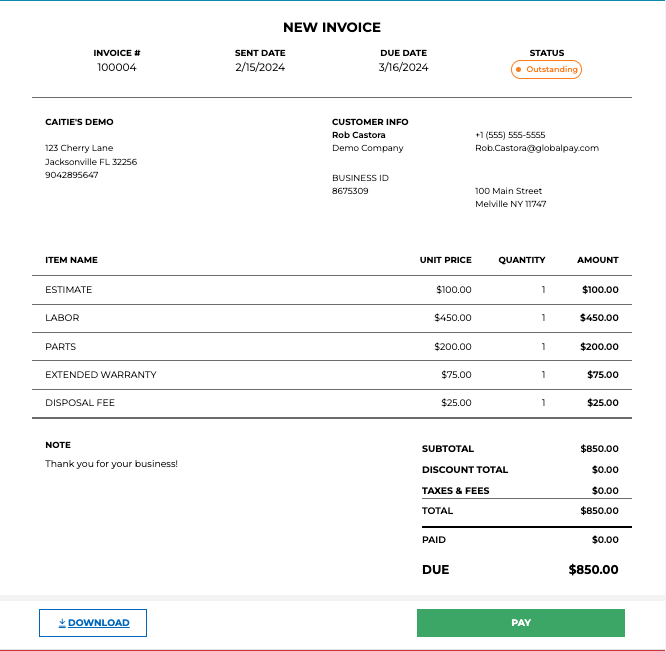
Send an invoice
Create an invoice in the Portal, send it by email or text, and follow up until it is paid.
- Branding check
- Turn on Invoicing
- New invoice
- Add the customer
- Items and discounts
- Review and send
- Track payments
- Remind, refund, cancel
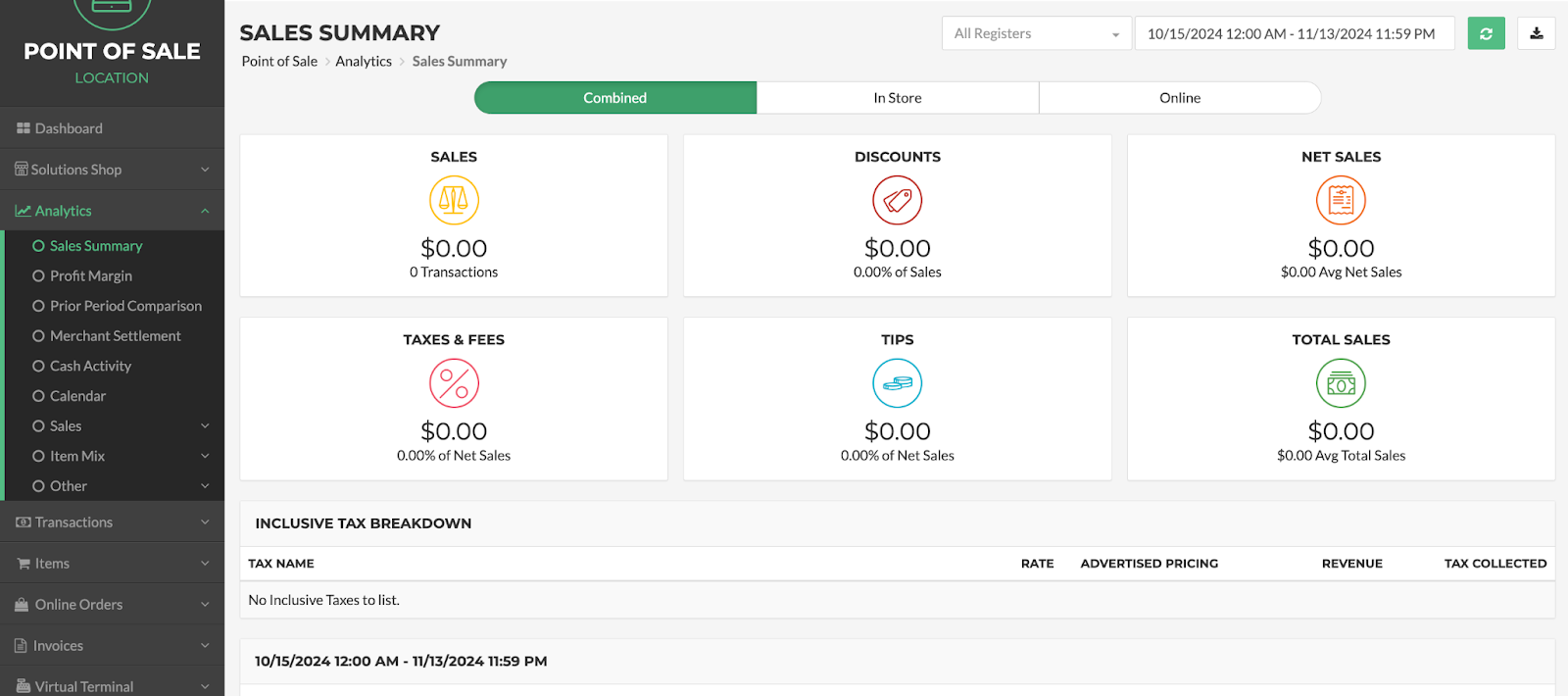
Read your sales reports
Find how much you sold, when you are busiest, what sells best and whether card deposits match.
- Date and location filters
- Sales Summary
- Busiest days and hours
- Compare periods
- Top items
- Payment types
- Find a sale
- Card deposits
- Export

Log into the Genius Portal
Get in for the first time, reset a password, and learn where everything is in the Back Office.
- Welcome email
- First login
- Forgot password
- Find your way
- Store details
- Branding
- Add staff
- Registers
- Sign out

PCI compliance in 5 minutes a year
A short survey once a year makes you compliant. See how to do it, who to call and how to keep card data safe.
- The 5-minute survey
- What PCI is
- What the survey covers
- Which form fits
- Secure Wi-Fi
- Devices and logins
- Card details
- Staying compliant

See if your marketing is working
Use Payment Analytics to compare new and returning customers and track what each promotion did.
- Choose locations
- Sales and visits
- New vs returning
- Compare locations
- Daybook
- Campaign results
- Alerts

Who to call, and when
Support numbers and hours in one place, plus the setup work only Genius Support can do for you.
- Tech support hours
- Worldpay 24x7 line
- Support-only setup
- Quick answers
- Before you call
- Other contacts

How merchant processing works
See where your card fees go, from the customer's card to your bank account.
- The path of a payment
- Interchange
- Assessment
- Processor's markup
- One $100 sale
- Other fees

Why go “cash discount”
Also known as Customer Pays for Fees.
What you pay to take cards today, what changes with a cash discount program, and why owners are switching.
- Your whole bill
- Before and after
- Your suppliers
- Why now

What we need to get you started
The company, bank and owner details to gather before you apply with Global Payments.
- Company information
- Bank information
- Owners with 25% or more
- Avoid hold-ups
- Checklist